




Multi-LAN Mini PC vs Traditional Router: Which Is Better for Your Network?
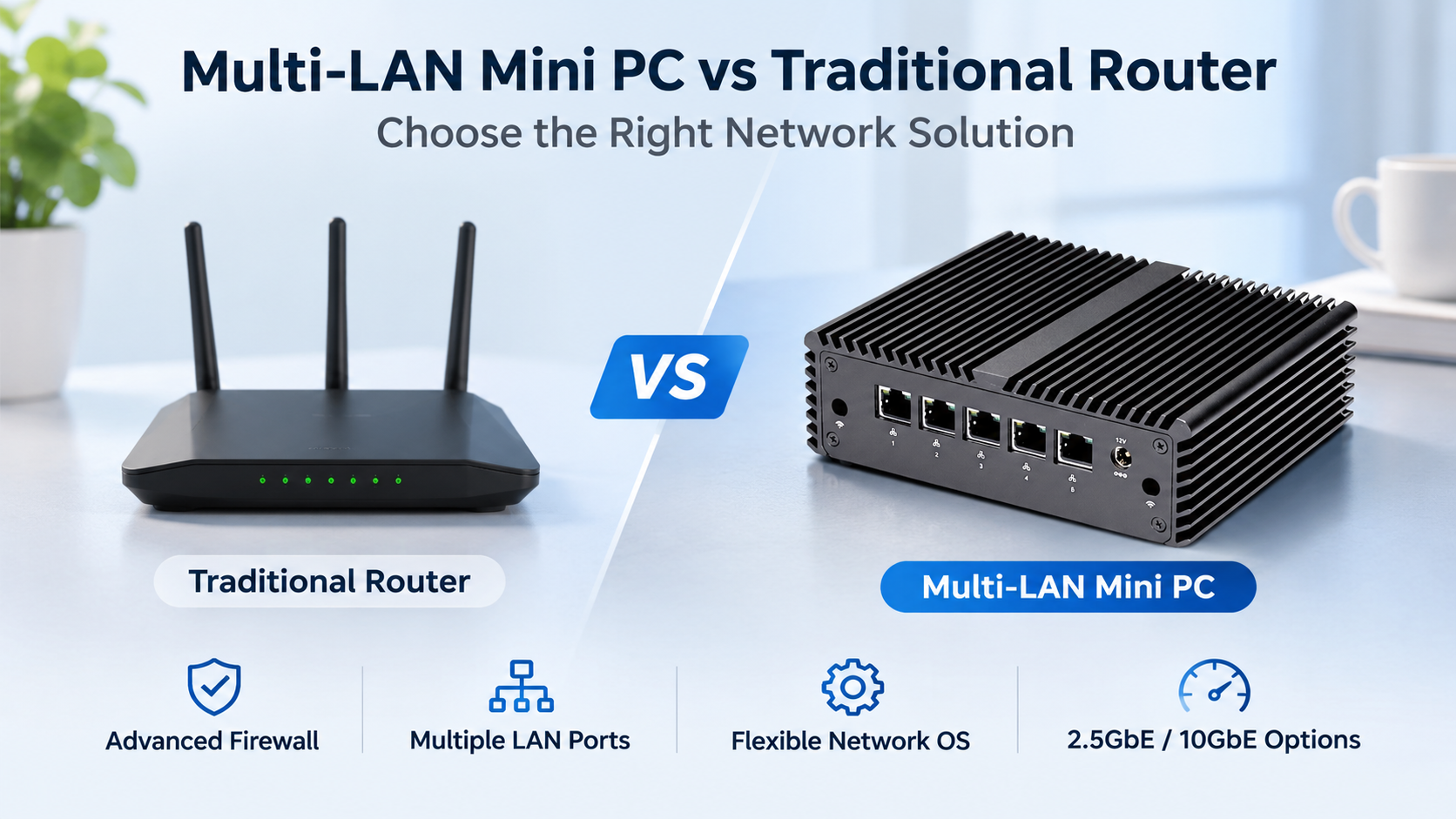
A traditional Wi-Fi router is enough for many homes. It connects devices, provides wireless coverage, and handles basic network management.
But what happens when you need multiple network segments, advanced firewall rules, or faster wired connections?
A multi-LAN mini PC offers a different approach. Instead of relying on fixed router firmware, it runs a dedicated operating system and gives users more control over their network.
Here's how to decide which option makes sense.
1. What Makes a Multi-LAN Mini PC Different?
A conventional router combines several functions in one device, often including routing, Wi-Fi, Ethernet switching, and basic security features.
A multi-LAN mini PC focuses on computing performance and physical network connectivity.
Depending on the hardware configuration, it may offer four, six, eight, or more Ethernet ports, with options for 2.5GbE and 10GbE networking.
Users can install compatible software such as OPNsense, pfSense, or OpenWrt to configure routing, firewall policies, and network services.
However, most multi-LAN mini PCs do not include integrated Wi-Fi access points. Wireless coverage typically requires separate equipment.
2. Comparing Performance and Flexibility
The right choice depends on your network requirements.
| Feature | Traditional Router | Multi-LAN Mini PC |
|---|---|---|
| Initial setup | Usually simpler | Requires software configuration |
| Network ports | Fixed configuration | Multiple hardware options |
| Firewall management | Depends on firmware | Advanced software options |
| 2.5GbE / 10GbE | Model-dependent | Available on selected models |
| Wireless networking | Often integrated | Usually requires a separate access point |
| Software flexibility | Generally limited | Supports compatible network operating systems |
| Maintenance | Usually straightforward | Requires more technical knowledge |
A mini PC does not automatically outperform a dedicated router. Actual throughput depends on CPU performance, network controllers, software configuration, and enabled security features.
3. When Should You Choose a Multi-LAN Mini PC?
HomeLab and Network Testing
A multi-LAN mini PC is useful for experimenting with network configurations, testing firewall rules, and separating virtualized workloads from everyday devices.
Small Business Networks
Businesses may need independent networks for employees, guests, security cameras, and internal systems.
Multiple Ethernet interfaces can support dedicated connections, although VLAN-capable switches may still be required for larger deployments.
High-Speed Wired Networking
For users upgrading to 2.5GbE or 10GbE infrastructure, a compatible mini PC can provide additional routing flexibility.
Remember that faster Ethernet ports do not guarantee equivalent firewall throughput.
Network Security Applications
A dedicated firewall appliance allows administrators to configure traffic filtering, access policies, logging, and monitoring.
This is particularly useful when standard consumer-router features are insufficient.
4. What Should You Check Before Buying?
Start with your internet connection speed and the number of physical network interfaces required.
Next, consider the processor, memory capacity, network controller compatibility, and cooling design.
For example, a basic home firewall may need fewer resources than a system performing intensive traffic inspection or running additional services.
Qotom offers multi-LAN mini PCs with different port counts, network speeds, and processor configurations for home networking, industrial applications, and business deployments.
Before selecting hardware, confirm that your preferred operating system supports the specific network controllers and that the platform meets your expected throughput requirements.
For users who simply need reliable Wi-Fi, a conventional router remains a practical choice.
For those who want greater software control, multiple network interfaces, and flexible deployment options, a multi-LAN mini PC can be a worthwhile upgrade.