




How to Connect a 2.5GbE NAS Directly to a PC Without a 2.5G Switch
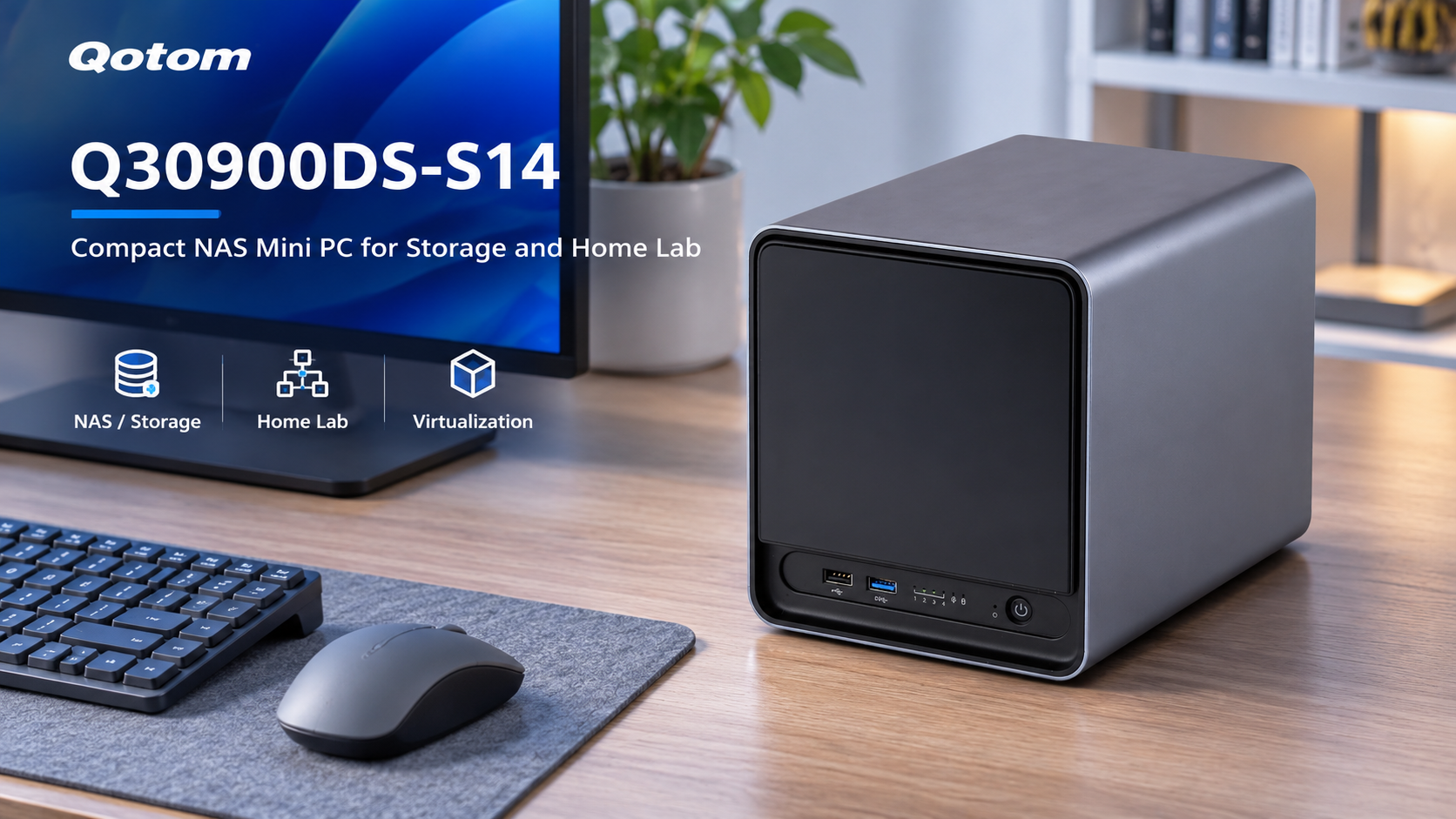
A 2.5GbE network can improve file transfer speeds between a desktop computer and a NAS. But upgrading every network switch is not always necessary.
If both devices have compatible 2.5GbE Ethernet ports, you can connect them directly using a standard Ethernet cable. This creates a dedicated high-speed link while keeping your existing 1GbE network for internet access.
Here's how to set it up.
1. What You Need for a Direct 2.5GbE Connection
A direct connection requires three things:
A PC with a 2.5GbE Ethernet port.
A NAS or mini PC with a 2.5GbE Ethernet port.
A suitable Ethernet cable, preferably Cat5e or Cat6.
Modern Ethernet adapters generally support automatic MDI-X, so a standard patch cable is sufficient.
The connection looks like this:
PC (2.5GbE) ← Ethernet cable → NAS (2.5GbE)
No dedicated 2.5GbE switch is required for this two-device connection.
If your NAS has another Ethernet port, it can remain connected to your existing router for normal network access.
2. Configure Static IP Addresses
For a simple dedicated link, assign static IP addresses to the two connected interfaces.
| Device | IP Address | Subnet Mask |
|---|---|---|
| PC 2.5GbE port | 192.168.50.10 | 255.255.255.0 |
| NAS 2.5GbE port | 192.168.50.20 | 255.255.255.0 |
Leave the default gateway blank on these dedicated interfaces. Your regular network adapter should retain the normal gateway for internet access.
Make sure the dedicated subnet does not overlap with another network already configured on either device.
After saving the settings, test connectivity by pinging the NAS address from your PC.
You can then access an SMB share using the NAS's dedicated IP address.
3. How Fast Is a Direct 2.5GbE Connection?
A 2.5GbE connection provides a theoretical link rate of 2.5Gbps, equivalent to approximately 312.5MB/s before protocol overhead.
Real-world file transfer performance depends on several factors:
SSD or HDD read/write speeds.
CPU and storage-controller performance.
SMB protocol overhead.
Network adapter drivers and configuration.
File size and workload characteristics.
A direct connection does not automatically guarantee 300MB/s transfers.
For example, a NAS using a single mechanical hard drive may be limited by storage performance rather than Ethernet bandwidth.
For accurate network testing, use iperf3 to measure TCP throughput separately from file-transfer performance.
4. When Is a 2.5GbE Switch Still Necessary?
A direct connection works well when one workstation needs fast access to one NAS.
However, a 2.5GbE switch becomes more practical when several computers need simultaneous high-speed access to shared storage.
A multi-LAN Qotom mini PC can also support separate management and storage networks, provided the selected model has the required Ethernet interfaces.
For a small home lab or workstation setup, direct 2.5GbE networking is an economical way to improve storage connectivity without replacing the entire network infrastructure.
Start with the connection you actually need. A dedicated 2.5GbE link may be enough to remove your immediate network bottleneck.